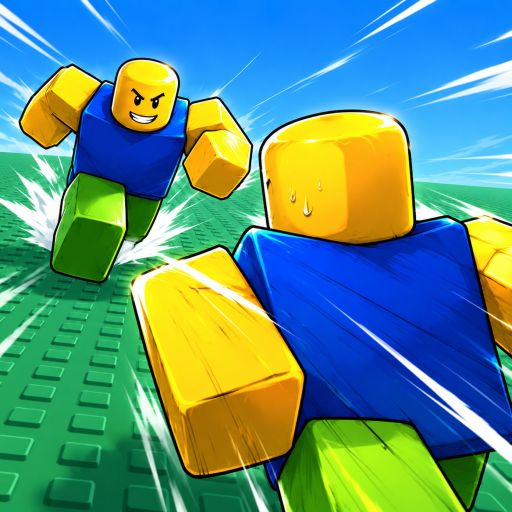
Huss Valley Controls: Movement, Dash, and Interaction
Learn the Huss Valley keyboard inputs, combine direction with a sideways dash, and distinguish steering mistakes from input mistakes.
The documented keyboard controls for Huss Valley are W, A, S and D for movement, Space while holding left or right movement for a sideways dash, and E for interaction. Learn those inputs separately before combining them during a crowded crossing.
Keep direction and dash inputs together
The sideways dash uses a direction as well as Space. If you are trying to move out of an opponent's path, decide which side provides room, hold the corresponding movement direction, and use the dash input with it. Treating Space as an isolated direction choice makes the action harder to understand.
The beginner video introduces these controls alongside the movement system. Use the keyboard explanation for the inputs and the field footage for their context.
Start with an uncrowded part of the available field so you can tell which direction your character takes. This is practice advice, not a special training mode. The point is to learn the relationship between the direction you hold and the movement you produce before an opponent forces a quick decision.
Use the keyboard map as a quick reference
| Input | Purpose | When it matters |
|---|---|---|
| W, A, S, D | Move your character | Choose and follow a crossing direction. |
| Space plus left or right movement | Sideways dash | Move laterally when that side offers an opening. |
| E | Interact | Use an interaction the game makes available. |
The table describes keyboard inputs. It does not establish controller mappings or touch-button positions. On another input device, follow that device's actual controls rather than translating a keyboard key into a guessed button.
For interaction, use E when an interaction is available to you. Movement and interaction solve different problems: being near a destination is not the same as activating an interaction. If you are trying to interact, focus on the interaction itself instead of repeatedly changing movement keys.
Separate a steering problem from an input problem
When your character goes in an unwanted direction, consider whether you chose the wrong side or combined the dash with the wrong directional input. Practice the same intended side again before changing every part of the action. That gives you a useful correction rather than another random attempt.
When the direction is correct but the timing is poor, move the decision earlier in the crossing. An input reference can tell you how to initiate an action, but it cannot choose the opening for you. Plan the side you want before the chaser is directly on top of your route.
When you can steer comfortably without pressure, bring the same inputs into a round. Choose a destination, move toward it, and use a sideways action only when the new direction helps the crossing. Repeatedly pressing every key at once makes it difficult to know which action created the useful movement.
Build a small, repeatable control routine
Use ordinary movement to choose a direction. Add a sideways dash when you have a reason to move laterally. Use the interaction input for a real available interaction. Keeping those jobs separate helps you avoid turning every encounter into an uncontrolled burst of keys.
You do not need to master every possible movement combination before playing. A reliable direction choice is already useful because the field has a concrete destination. Build from a working action, then learn the timing that makes it effective under pressure.
The next step after learning the keys is speed and turning. That guide explains the momentum problem that a key list alone cannot solve. Use it when you know the controls but still struggle to place a turn at the right moment.
Control questions
Does this list cover every device?
It covers the documented keyboard inputs. Device-specific bindings should come from the interface you actually use.
Should I dash whenever I see a chaser?
Choose a useful side first. A movement input helps only when its direction advances the crossing or creates needed space.